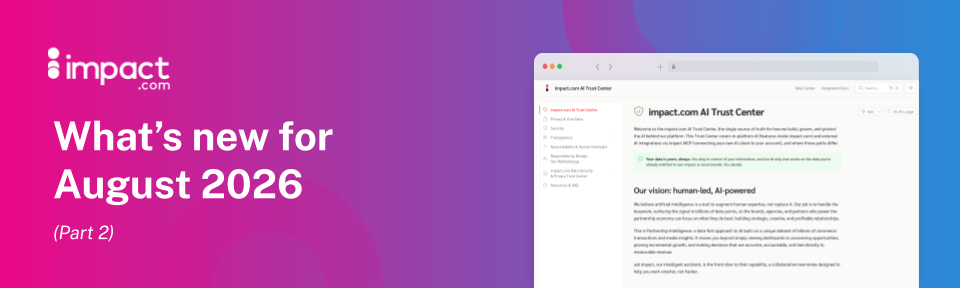
Connect your AI to the impact.com MCP, get your advocates paid faster, and more
Your AI just got a key to impact.com
The highly anticipated impact.com MCP open beta is live. You don’t have to ask for an invite or wait for us to enable it for you. Go ahead and connect Claude, Cursor, or VS Code straight to your data and let your AI work with it directly.
The full setup guide can be found here: MCP Quick Start. Handing you just a connection to your data didn’t seem enough, so we've built a few MCP Skills to get you started right away. These are ready-made workflows for the jobs you already do, like checking your performance, reviewing your finances, and finding new partners.
What "open beta" means is that we’re building this with you. The current toolset is focused, not exhaustive, and we'll be adding more as we hear from our users about what will be most useful. So we'd greatly appreciate your feedback.
Let us know what's working, what's not, and what you want us to add next!
Available in: Creator and Performance - all editions.
Now live: the impact.com AI Trust Center
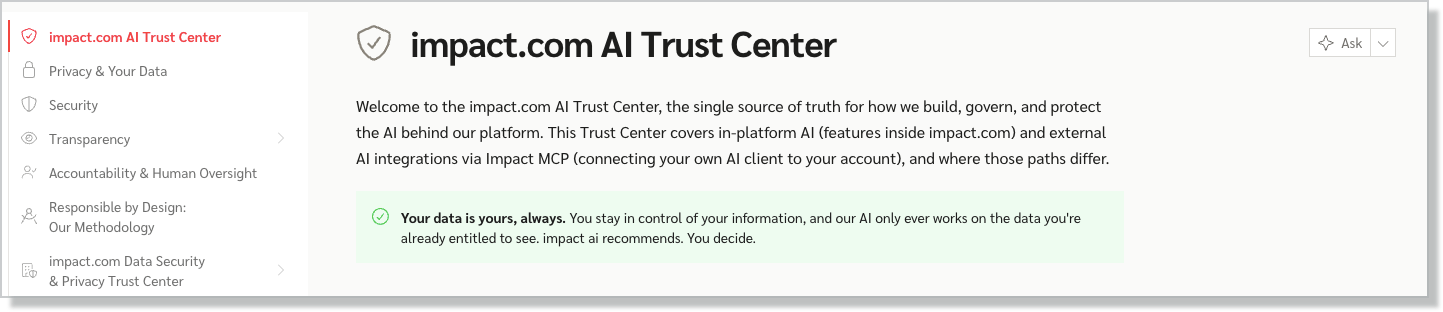
If your security or legal team has ever asked how impact.com handles AI, you now have a straight answer to point them to: trust.impact.com
The AI Trust Center brings every AI-related commitment we make, principles, data handling, security controls, and per-feature model cards into one public destination instead of scattering it across help docs and sales calls. It covers ask impact, partner recommendation engine, and now our public-facing MCP, with model cards that spell out exactly what powers each feature, what data it touches, and where it stops.
What you'll find:
Our AI principles, in plain language, not policy-speak
A breakdown of how impact.com uses your data, feature by feature
Encryption, access controls, and certification details (SOC 1 Type II, ISO/IEC 27001:2022, PCI-DSS Level 4), along with how we align with GDPR and CCPA
Model cards for every live AI feature, plus our sub-processor list
Accept a partner application you previously declined — or vice versa
EDIT: We had to briefly delay this one -- we'll plan to release it the week of 8/31.
If your team processes a lot of applications, you may occasionally reject a partner that you actually wanted to accept — or accept one you meant to reject. The latter scenario was already easy enough to fix; you can expire a partner any time. But until now, reversing course on a rejected partner meant starting over: send a fresh proposal, wait for the partner to notice and act on it, and lose days on both sides while someone who already showed interest in your program loses that interest and moves on to other brands.
Now you can change a decision straight from the Processed tab of your Applications page. Reversing a rejection re-accepts the partner and emails them to say their application was reconsidered, and they're in; reversing an acceptance uses the existing expire flow. You can change a decision for up to six months after it was made, the same window the Processed tab already shows.
This is particularly helpful if you’re using Application Workflows. If your Workflow rejects an applicant you would have accepted — perhaps because the rules didn't account for that specific situation — the opportunity no longer slips away.
Available in: Performance - Essentials, Professional, and Enterprise; Creator - all editions.
Your advocates get paid faster, and fewer rewards sit unclaimed
We’re making it easier for advocates to claim the rewards they’ve earned, and encourage them to keep referring.
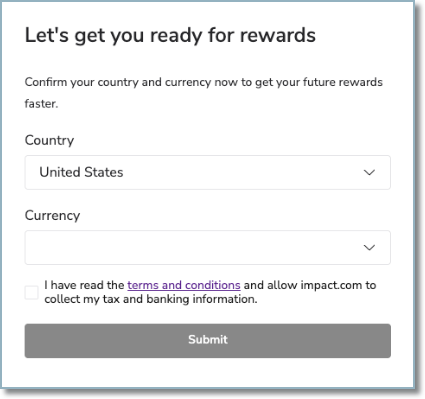
Advocates now provide their country and currency earlier in their user registration flow, so their payout details are ready even before they earn their first cash reward. That means a smoother redemption experience, fewer delays, and less money sitting unclaimed. It also reduces your liability for unclaimed rewards, since earned rewards will move into the advocate's partner wallet as soon as they provide their country and currency at registration.
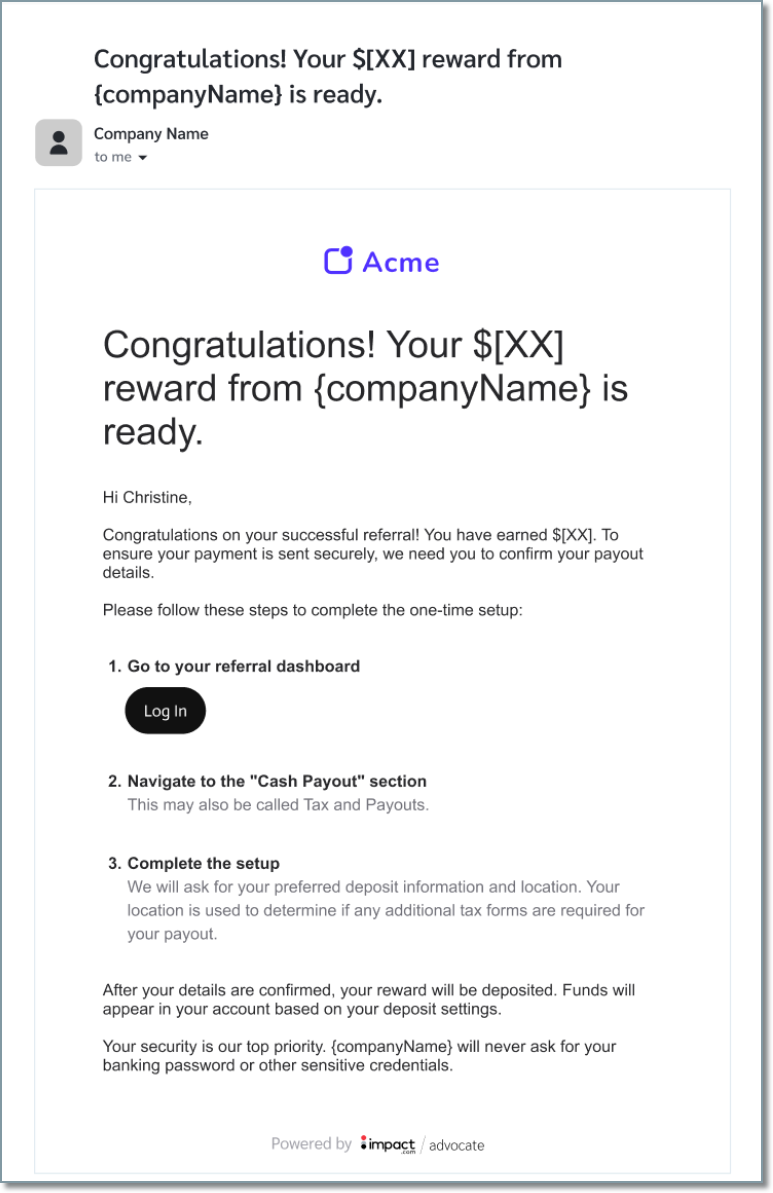
We’ve also improved reward communications to make it clearer when rewards are waiting for the referrer. These branded, redemption emails now include the exact reward amount, while automatic reminders follow up on rewards that remain unclaimed after 30 days.
And if an advocate runs into an issue entering their banking information, clearer, country-specific error messages show them exactly what needs to be fixed - helping them complete redemption with less friction.
These improvements are already available for all existing cash programs and are automatically included with new Advocate programs.
Learn more in the help docs here.
Available in: Advocate - all editions.
Partnerships Experience Academy: New (free) courses!
CRM and Automation Course: As your partnership program grows, managing partner relationships, communications, and data becomes more complex. This course shows you how to use impact.com's partner management and automation tools to stay organised without adding hours to your week.
Start with the My Partners screen and partner groups to segment your roster. Then set up application workflows that process new partners automatically, send targeted newsletters with AI-assisted content, and build surveys that collect the partner data your program decisions actually depend on.
