- DATE:
- AUTHOR:
- The impact.com team

What's new in Creator: January 2026 release notes
YouTube BrandConnect: Discover, activate, and measure Creators faster
impact.com now brings YouTube BrandConnect directly into the platform, making it easier than ever for you to find the right creators, run campaigns seamlessly, and measure real results, all from one place. With this integration, you can:
Find the right creators with confidence: Search across YouTube-verified, opt-in creators with real audience data. Know your campaigns are reaching the right people.
Run campaigns faster and easier: Automate deal reporting, campaign linking, and video approvals. Spend less time coordinating and more time on strategy.
Get better insights: Access audience details not available through public data. Measure what matters and optimize for results.
Work with activation-ready creators: Only creators who can be contacted and engaged appear in search, so campaigns can launch immediately.
Compliance-first approach: All data sharing aligns with YouTube policies and global regulations, protecting brands and creators alike.
Here’s what’s changing in YouTube Creator Search:
Refined filters for higher quality discovery: To align with YouTube’s data-sharing standards, Creator Search now reflects creator-consented data only. As a result, some of the inferred filters are no longer available.
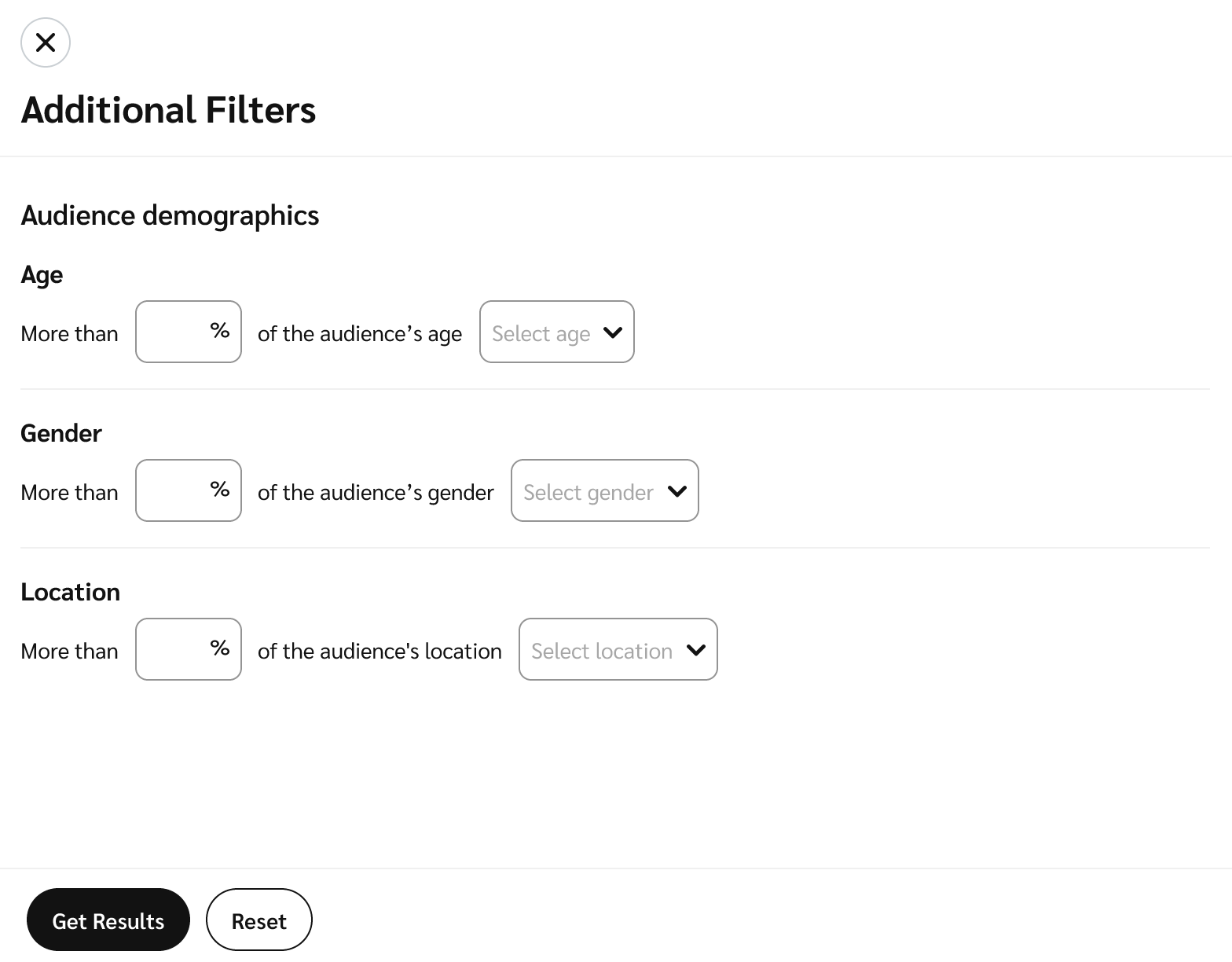
Richer, more complete creator profiles: Profiles now include verified audience metrics directly from YouTube. impact.com shows only creators who have opted into brand partnerships and can be contacted directly
Unlimited, real-time results: YouTube BrandConnect integration removes the previous 500-result cap from Creator Search, delivering up to 24,000, real-time, data-driven matches so you can discover the perfect creators faster.
Geographic restrictions: BrandConnect data are restricted in certain geographies, including China. As a result, Chinese brands will not see the YouTube Creator Search tab, though brands in Hong Kong are still permitted. This ensures compliance with Google’s platform rules and protects impact’s long-term partnership.
Here’s what’s changing in Campaigns:
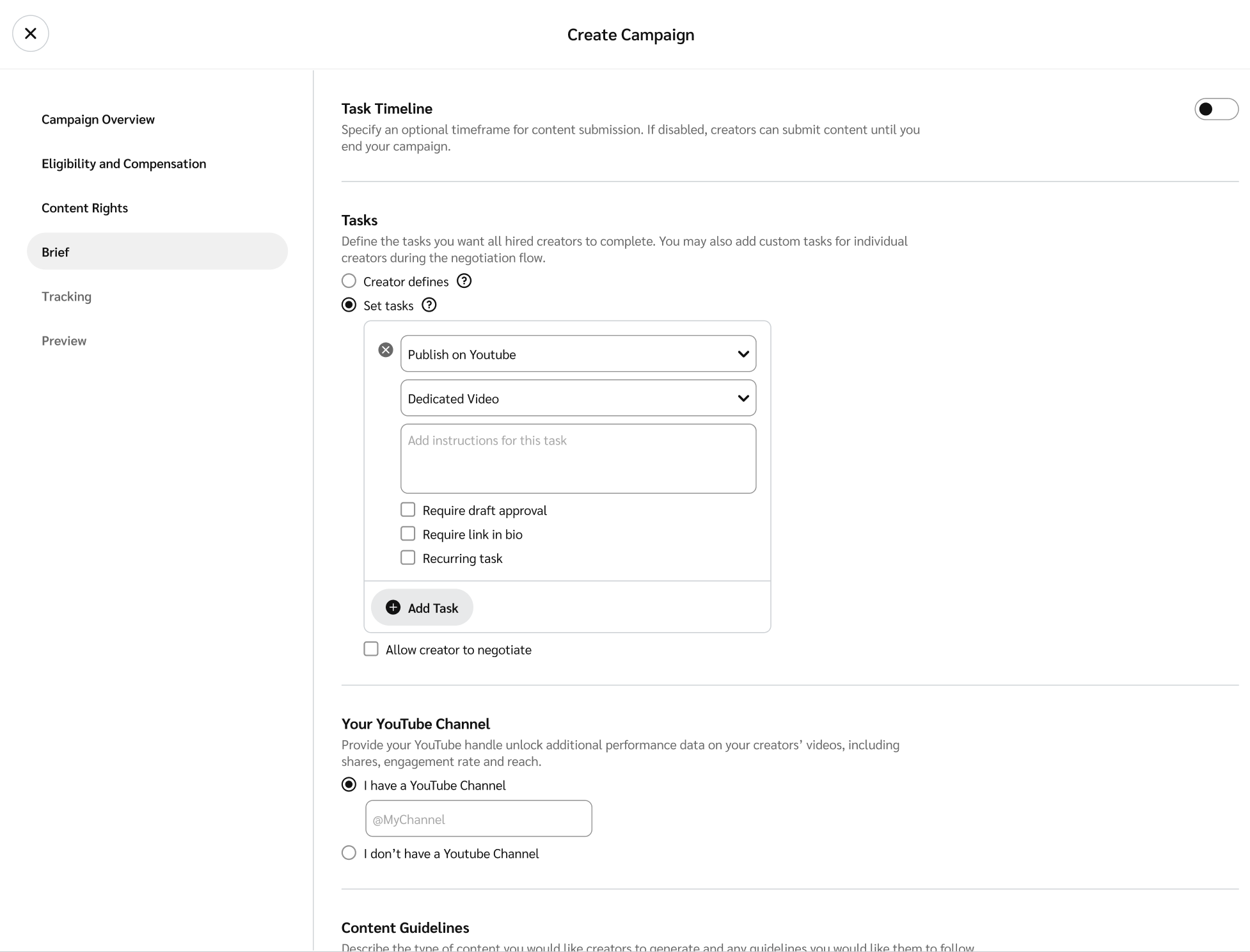
Running YouTube sponsorships just got a whole lot easier. When you create a YouTube task in a campaign, impact.com automatically generates a unique BrandConnect campaign code. This code links the campaign to the creator’s video, removing the need to manually track or connect sponsorships. Creators can link videos during upload or retroactively, so you don’t have to chase them down. Once linked, metrics automatically flow into impact.com, no manual tracking required. Deal status, deliverables, and all campaign metrics are automatically updated in real-time, reducing errors and giving you a complete view of performance in one place.
Onboard prospects at scale
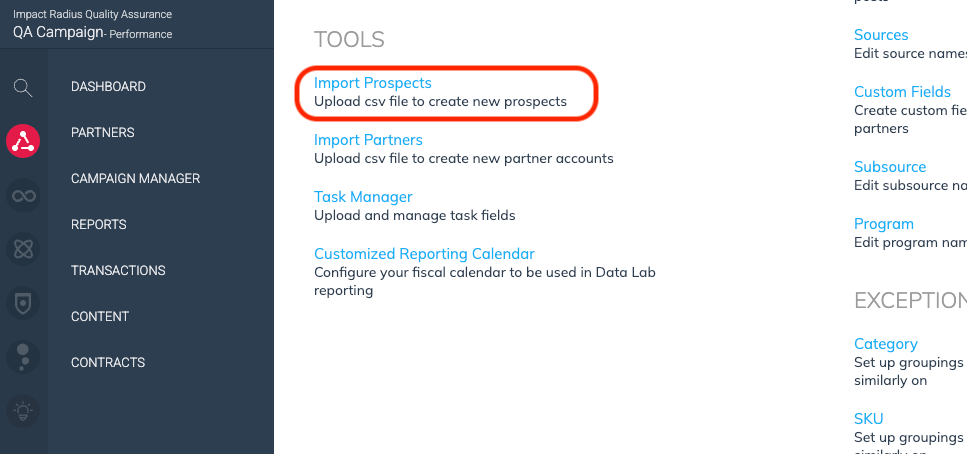
Save time and grow your partner network faster with Prospect Import, the streamlined way to upload, organize, and recruit large prospect lists directly within impact.com.
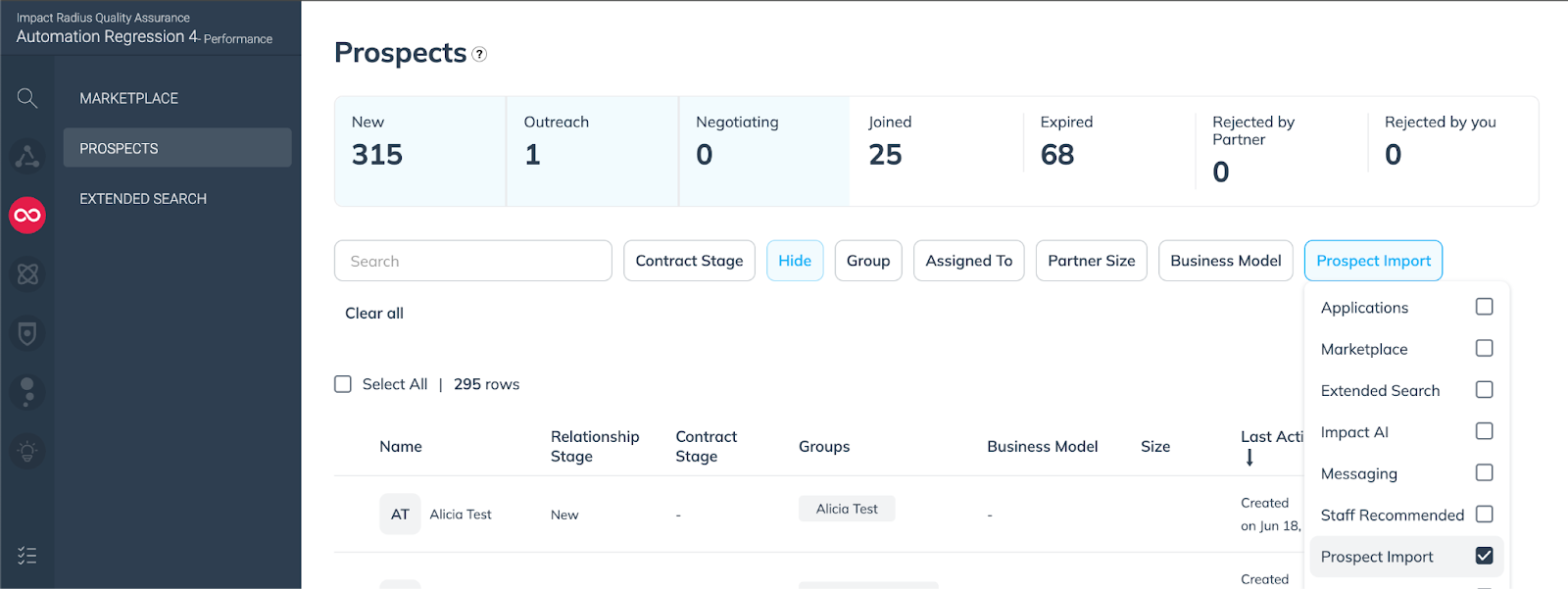
Prospect Import lets you add prospects via CSV upload and immediately begin recruiting them. This means you can focus on growing your partner network instead of wrestling with spreadsheets or third-party platforms. Once imported, prospects appear under Discover > Prospects, where you can filter by import source or group and pair them with workflows to automatically send invitations, follow-ups, and auto-accept them into your program.
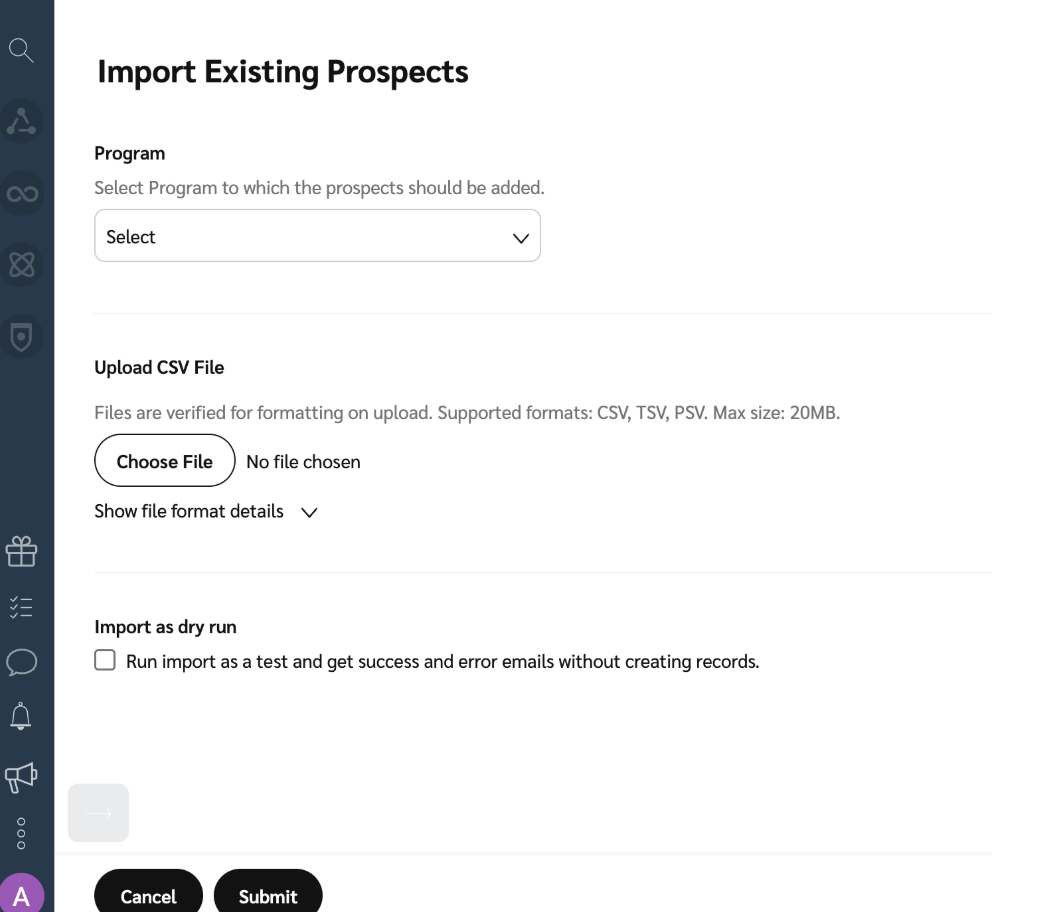
This streamlined process allows you to recruit at scale, whether you’re adding brand-new prospects keeping relationships active and revenue flowing.
When you upload your CSV, the import tool quickly checks for formatting issues and duplicates. If you see a “successfully submitted” message, it means your file passed this initial check. After processing, you’ll receive an email summary showing which prospects were successfully imported and highlighting any errors, such as missing groups or invalid data. The tool will also match your prospect list to existing impact.com accounts.This way, you always know the status of your import and can take action if needed.
When uploading your CSV, keep in mind that the file size is limited to 10,000 rows of prospects and 20MB per upload.