- DATE:
- AUTHOR:
- The impact.com team
Build Storefronts on mobile, get more from ask impact, and see every promo code detail
Set up and manage your Storefront from your phone
Got our mobile app? Storefronts are the reason to. Download it for iOS or Android, and we'll pick this up when you're back. Here's what's new in the latest version:
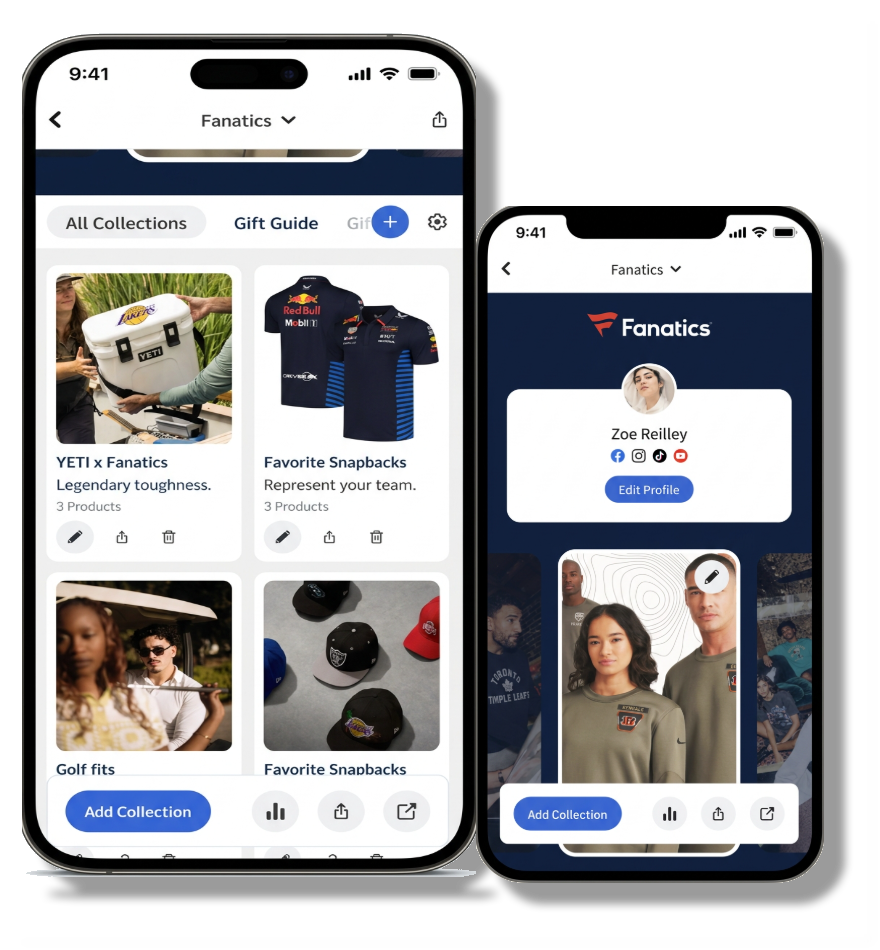
You can now build, edit, and manage a Storefront from wherever you are, right in the mobile app.
Add and reorder products, edit your profile, switch between Storefronts if you work with more than one brand, and share your Storefront link, all from your phone. Everything you change syncs the same way it does on desktop, so there's no separate mobile version to manage.
First time opening Storefronts in the app? You'll see a quick walkthrough to get oriented before you start building.
Note: Storefronts only become available if your joined brand has a published Storefront.
ask impact: Get charts, invoices, and tracking links without leaving the chat
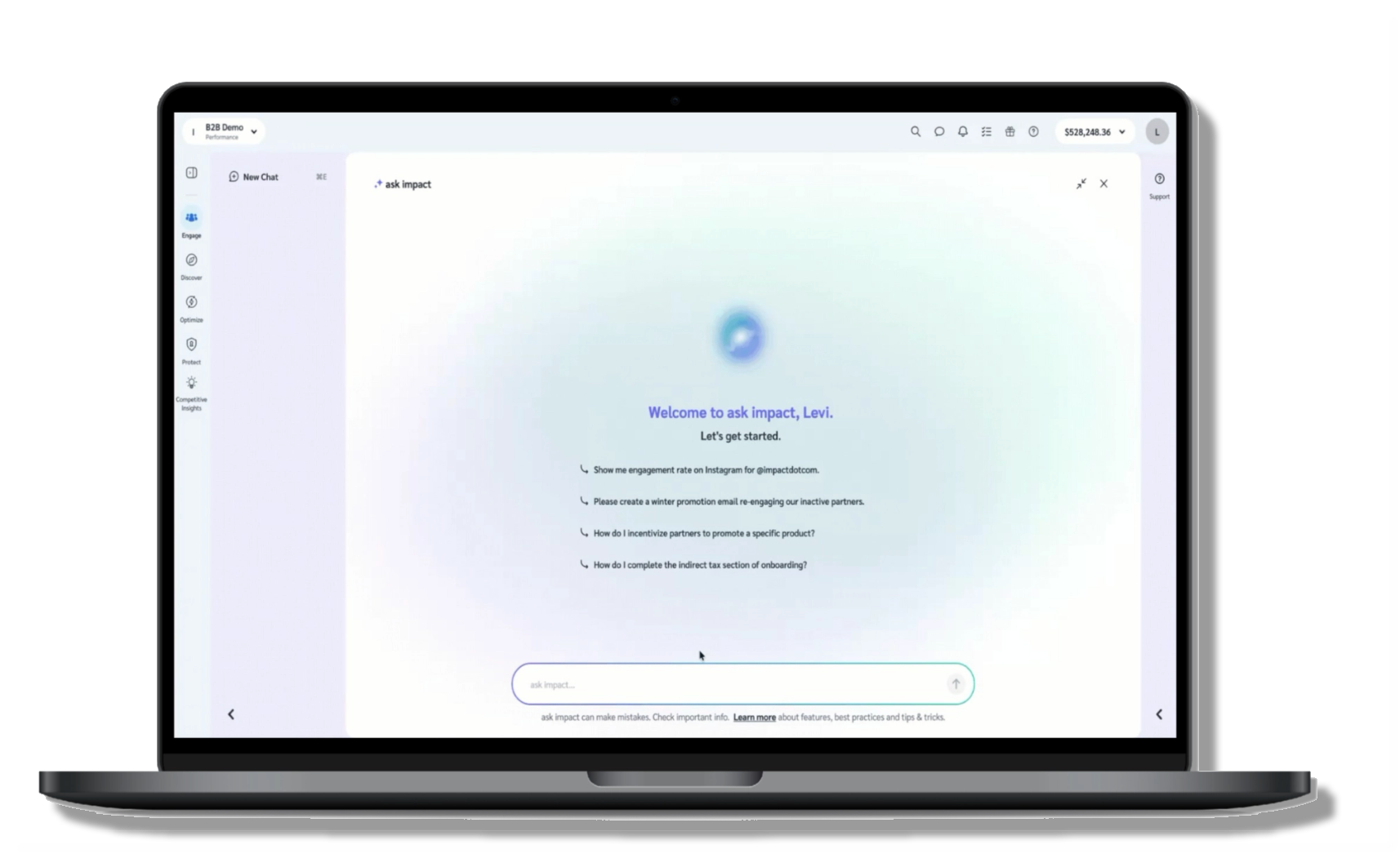
A new set of capabilities has been unleashed and is live in ask impact. We have given you more ways to visualize your data, faster answers when something looks off, invoice details without leaving chat, tracking links generated on demand, and industry insight grounded in expert conversations from our podcast.
Here's a quick run-through of everything we've been cooking recently:
More ways to see your data
Ask for a stacked bar chart, horizontal stacked bar chart, scatter chart, or donut chart, and ask impact renders it directly in chat, in your account's currency and language. Go ahead and pop these in ask impact:
"Show my revenue and commission for the last 7 days as a stacked bar chart"
"Plot my top-performing programs against commission in a scatter chart"
"Break down clicks and actions by program as a horizontal stacked bar chart"
Faster answers when something looks broken
When you describe a possible issue with the platform, ask impact now checks status.impact.com before giving a documentation answer. If there's a known incident, you get the details and a direct link to the status page, not a troubleshooting guide that won't really help at that point. If the platform is clear, it says so, then continues with the relevant documentation. If neither resolves it, ask impact offers to start a support ticket flow.
Invoice questions, answered in chat
Ask about invoices for payments received without leaving the chat. Status, dates, totals, line items. Look up a specific invoice number, query by date range, or ask for a summary across a period. ask impact pulls live data, so answers reflect what's actually in your account.
Tracking links, generated in chat
This is a big one! ask impact can now create a usable tracking link all without leaving the chat. Vanity links, deep links, SubIDs, shared IDs, and media property links are all supported. If your request matches more than one brand or program, ask impact confirms before creating.
Industry insight grounded in real conversations
We host the popular podcast, The Partnership Economy, which dives deep into all things partnerships that affect our industry. Now, ask impact can draw on transcripts from The Partnership Economy podcast when answering industry strategy questions. When it does, it includes an episode reference so you know where the insight came from. Available through the Industry Expertise agent.
Check a promo code's details without leaving your listing
Before you put a promo code in front of your audience, you want the fine print: how long it runs, where it works, how many times it can be used, and who gets credit. Until now, the listing was as far as you could go.
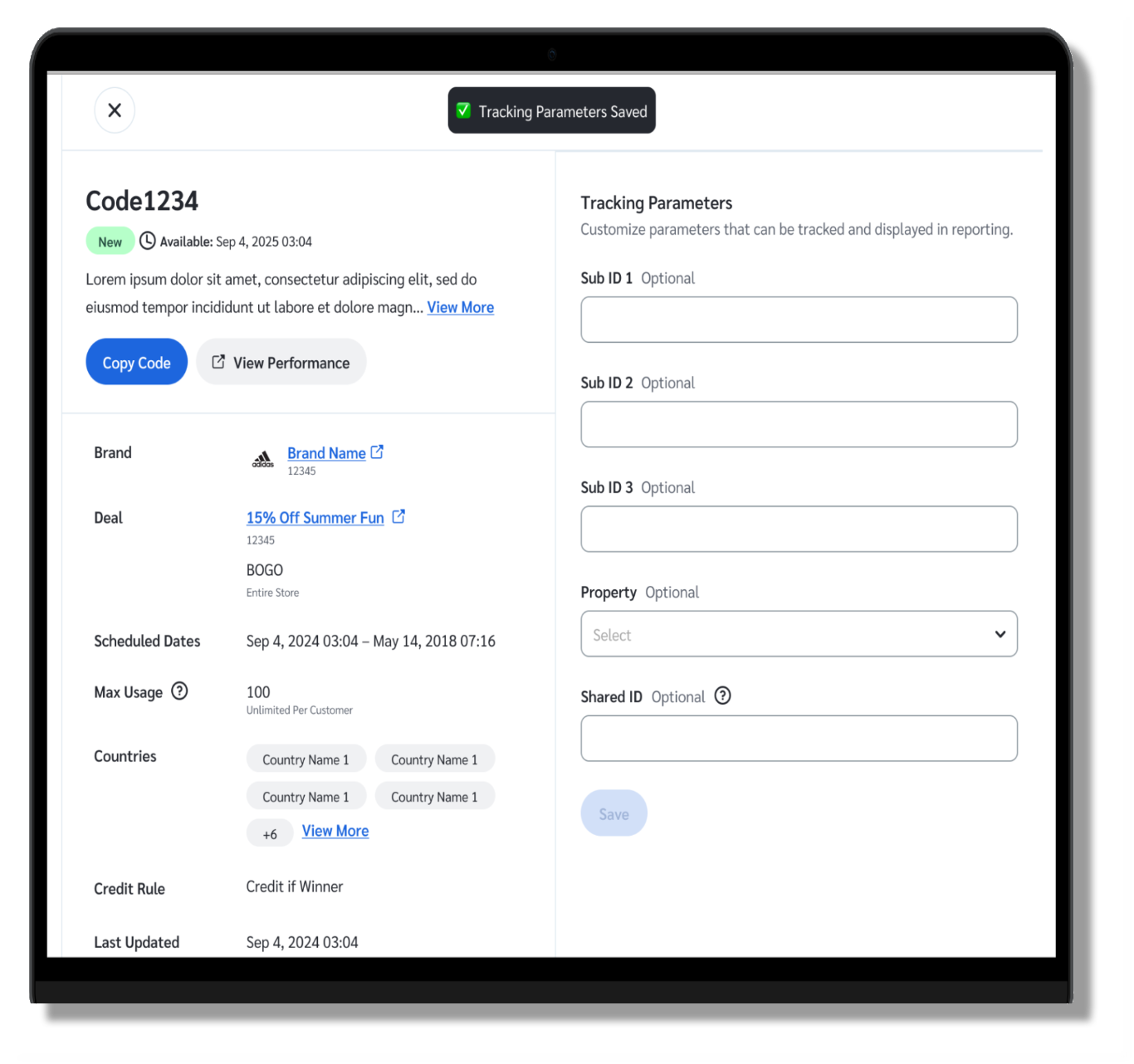
Every code now has a View Details action that opens a slideout with the rest. Countries, max usage, credit rule, scheduled dates, and last updated all sit in one panel, next to the brand and deal the code belongs to, both linked so you can open them in a new tab.
From that same panel, you can copy the code in one click, or open a report showing what that code has earned you.
Each code is also tagged so you can tell at a glance which ones are new to you, which are starting soon, and which are about to end.
Note: This feature is coming soon and will be available in the coming weeks.