- DATE:
- AUTHOR:
- The impact.com team
June Release Notes
impact.com / performance
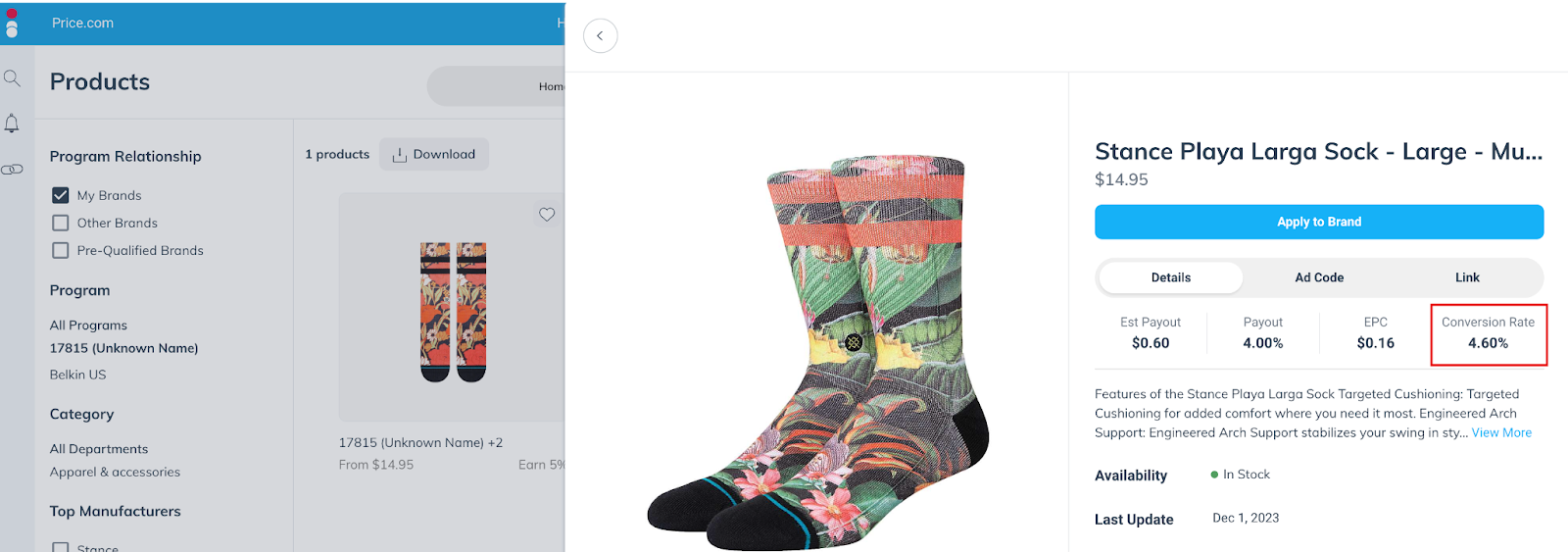
Display conversion rate on each product in Product Marketplace
You likely have a pretty good sense of which products will perform well for your audience. But it can help to have some extra data in your back pocket. We’ve now added a Conversion Rate field to each item listing in the Product Marketplace, so you can see how well that item sells, on average, across our entire platform.
Find the best offers more quickly in the Product Marketplace
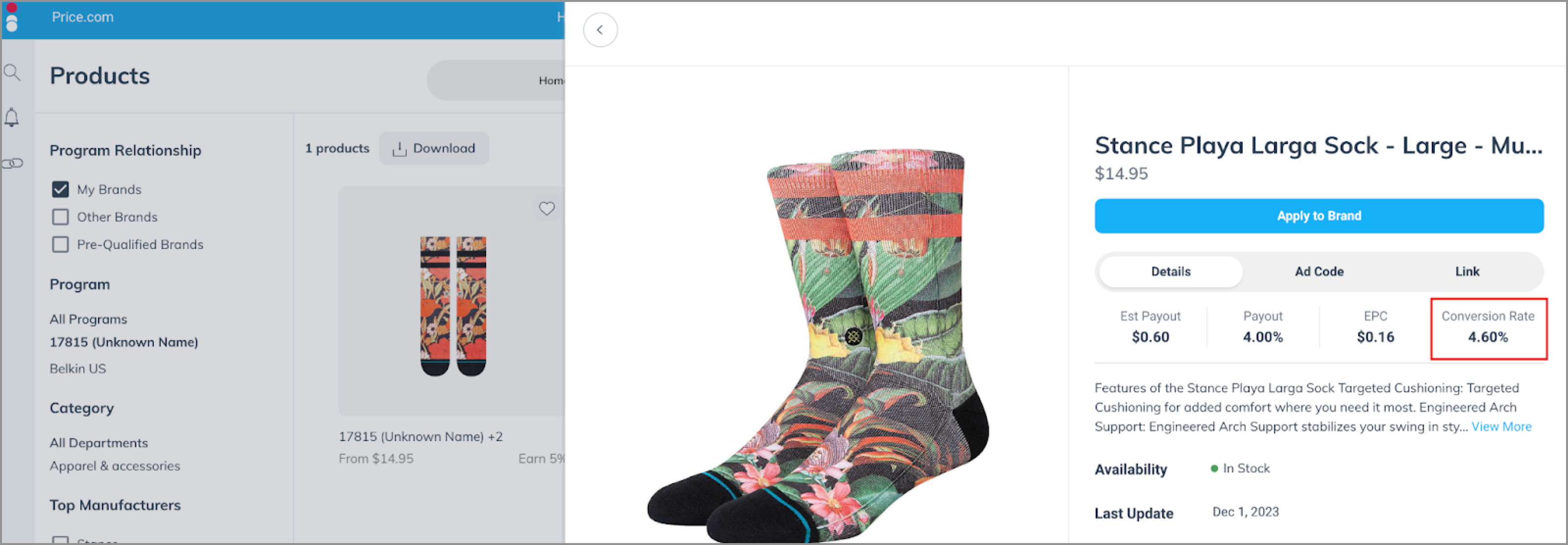
When you click into a product in the Product Marketplace, you’ll see a list of all the brands on our platform that sell that product. Previously, there was no particular rhyme or reason to the order those brands’ offers appeared.
We are now sorting that list to make sure that the most relevant offers are at the top. For instance, offers from brands you already work with will be positioned higher than offers from brands you would need to apply to. Additionally, lower-priced products and higher commission rates will rise to the top, and out-of-stock offers will be placed lower.
(Coming Soon) Filter out non-commissionable events in the action listing report
Sometimes you just want to see reporting on the actions that have commissions associated with them, but until now, it was difficult to filter out non-commissionable actions. With this release, we’re adding a filter to the Action Listing report so you can filter for "Action Earnings > $0".
New “Type” filter in the Other Earnings report
This update allows you to filter by the type of other earnings you’ve received, such as paid placements, make goods, or bonuses, within the Other Earnings report. Simply use the “Type” filter to filter down the report results.
impact.com / creator
New Notifications!
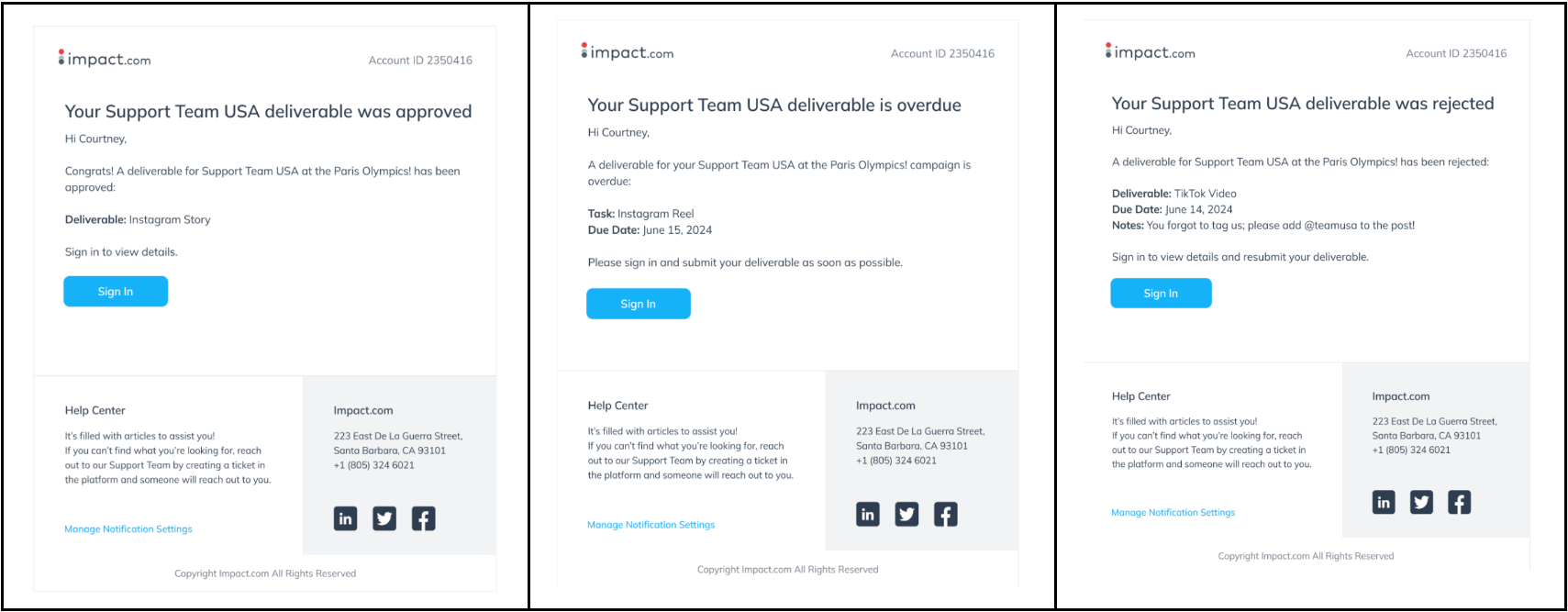
We are excited to announce the launch of Email and In-App notifications to ensure you don’t miss key milestones and to enhance the experience for you and your brands involved in campaign management. Here’s what’s new:
Overdue deliverable notification- You will be notified when you have an overdue deliverable.
Draft approved notification—You will be notified when the brand approves your submitted draft in a given campaign.
Draft rejected notification- You will be notified when the brand rejects submitted drafts in a given campaign. The email will include notes where the brand describes why the draft was rejected.
Deliverable rejected notification- You will be notified when the brand rejects the submitted deliverable. The email will include notes where the brand describes why the deliverable was rejected.
Deliverable approved notification- You will be notified when your deliverable for a given task is approved.
Overdue draft notification- You will be notified when you have an overdue draft.
New Campaign Discovery Widget
We are excited to introduce a new Campaign Discovery Widget on the creator dashboard designed to enhance your experience by making it easier to find and apply to new campaigns directly from your dashboard. No more navigating to Brands > Find Campaigns. You can now see new and relevant campaigns right on your dashboard.

