- DATE:
- AUTHOR:
- The impact.com team
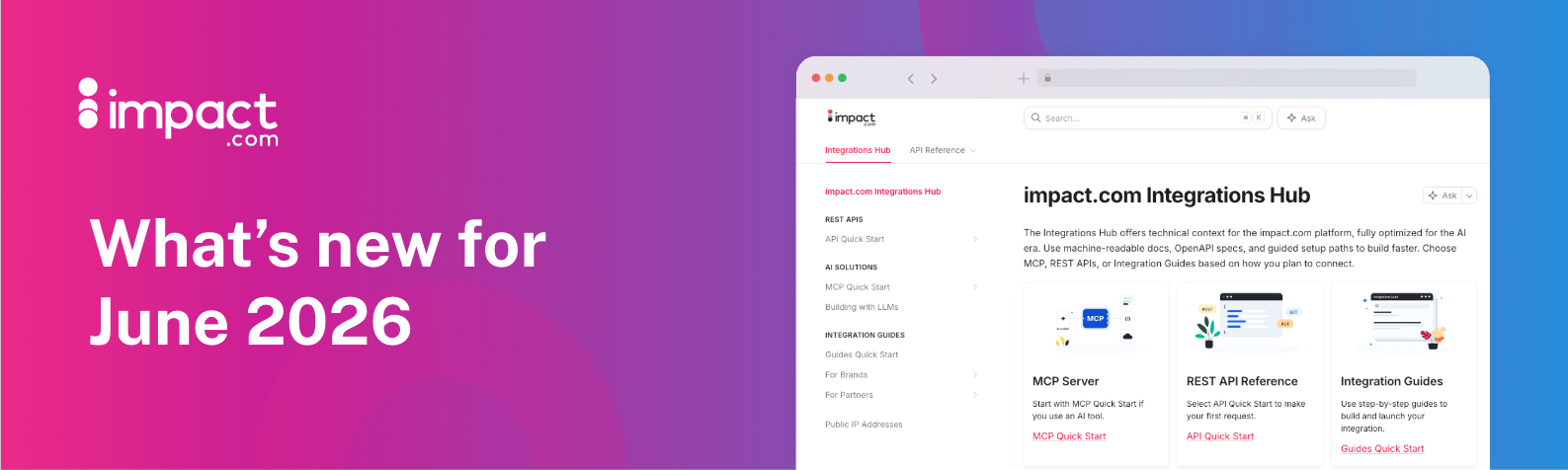
Get found by the right brands, point your agents to our AI-friendly Integrations Hub, and more
What's new? A lot, that's what! Read on to learn about new ways to get found, get better, and get paid on impact.com.
Want more brands to find you? Verify your media properties
Just as you use the Marketplace to find new brand partners, brands use it to find publishers and creators like you. To make their results more relevant when they’re searching for partners who promote specific product categories, we are now checking your websites and social properties and assigning categories based on your actual content — instead of assigning the categories based on the brands you interact with.
This change should mean that you’ll start seeing more interest from brands who sell products related to the content you create, but there’s one important thing to note: we can only scan verified media properties, and social accounts must be connected. But don’t worry — it’s not hard! This help article will guide you through the process of verifying your website, social accounts, or other media properties.
FYI: We can derive content categories from websites, Instagram, TikTok, Facebook, YouTube, and Twitch. Mobile apps and other social properties are not currently supported.
New Content & Campaign Performance report
Your content and campaign performance are now easier to see as a creator. The new Content & Campaign Performance report for creators consolidates four separate reports into a single location. Now, instead of hunting across multiple views, you get a single dashboard that shows everything at a glance: total earnings, affiliate earnings, earnings per item, clicks, conversion rate, and sale amount, broken down by post, campaign, social platform, and program.
This means less time navigating, less context switching, and a lower chance of missing something important. If you want to know how a specific Instagram post is converting, which campaign is driving the most actions, or how your overall program is tracking, it's all here, in one unified report, without the noise.
The four reports this replaces — Performance by Campaign, by Post, by Platform, and by Creator — will remain available for now, but will eventually be deprecated. If you rely on any of them, make the switch to Content & Campaign Overview today to avoid disruption.
For more information on the new Content and Campaign Performance report for creators, please take a look at our help documentation
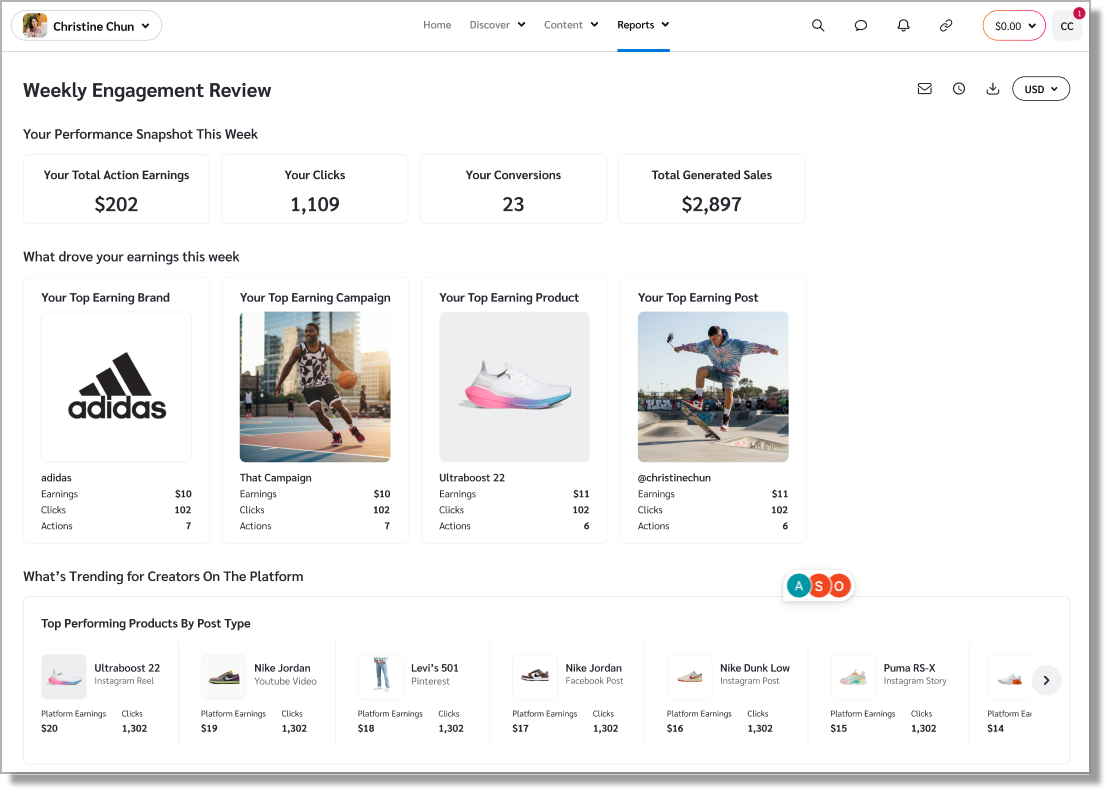
Weekly and Monthly Performance Review
When we talked with creators on our platform, we kept hearing the same thing. They wanted image-rich, scannable reports that helped them cut through the noise and answer their two most pressing questions: what's working, and what to do next.
So we built the new Weekly and Monthly Performance Review reports to do exactly that.
Each report enables you to take a quick look back at their week or month. It shows what drove your earnings, which products and posts performed best, and the opportunities worth evaluating with brand partners. These visual, easy-to-read reports arrive by email on a set weekly or monthly schedule, so you don't have to go looking. And they're mobile-friendly, so you can review on the go.
For more details about how to use these new reports as a creator, check out our help documentation for the weekly and monthly reports.
Coming soon: Use campaign hashtags and skip manual content submissions
Submitting content is about to be as easy as adding a hashtag. When you include the hashtags specified by a brand's campaign, eligible posts can be automatically linked to the campaign, reducing the need to manually submit content for review. This helps ensure your campaign participation is recognized while letting you focus on creating great content instead of managing administrative tasks.
Important note: to take advantage of this feature, your social accounts must be connected. Otherwise, posts will not be submitted even if you're using the hashtags. FYI, TikTok is not currently supported.
PS: This feature will be rolling out over the next few days.
PPS: Learn more about how to access creator-specific features here.
Working with AI? Build and monetize faster with the new Integrations Hub
Integrating with the impact.com platform just got a lot smoother. We have completely redesigned the Integrations Hub to deliver a faster, more intuitive developer experience.
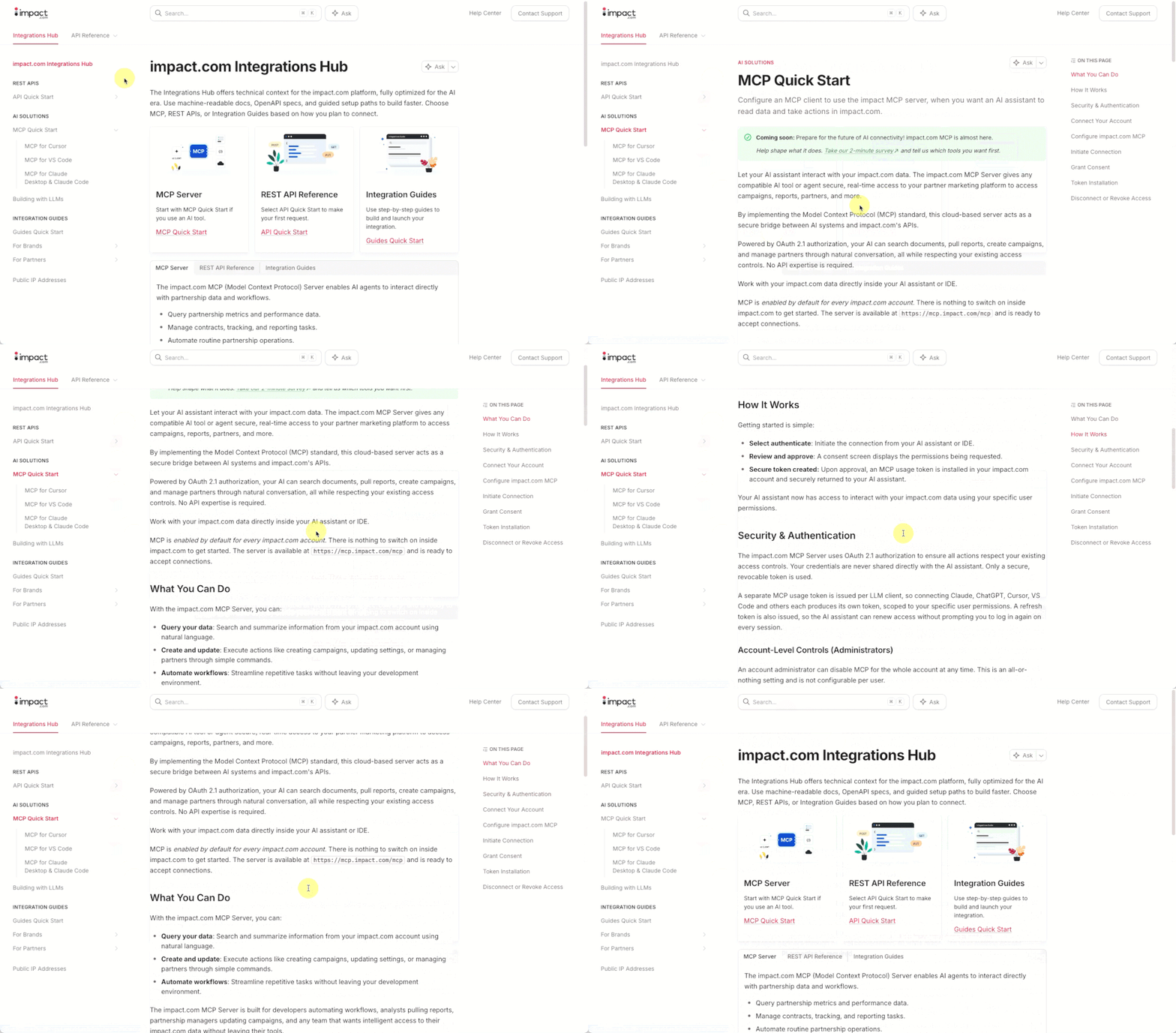
The URL remains exactly the same (integrations.impact.com), but everything inside is engineered to help your technical teams deploy, test, and optimize workflows with ease.
What's so great about the new Integrations Hub:
Built for the AI era: Your developers can enable preferred AI tools to interact directly with our documentation to build and troubleshoot code instantly.
OpenAPI specifications: All API reference documentation now fully supports OpenAPI standards, giving you structured, predictable access to our platform endpoints.
In-hub API testing: Eliminate the guesswork by testing endpoints directly within the hub environment to see exactly how data flows before going live.
A modernized experience: A clean, intuitive design makes finding technical answers quick and effortless, saving your team valuable time.
Ready to explore? Check out the new Integrations Hub today and start building something amazing.
PS: As you can see in the GIF below, we're working on an impact.com MCP server. And we need your feedback! Please take this two-minute survey and let us know how you want to use our MCP!
Get paid for clicks you drive to Amazon Seller brands
You drive traffic to a brand's Amazon storefront. Now, Amazon Seller programs offer CPC payouts, allowing brands to pay you for the click traffic you generate, in addition to any sales.
Why this matters:
Earn on the upper-funnel work you're already doing. If you build awareness and consideration but don't always close the sale yourself, CPC lets the brands you work with pay you for the click regardless of who closes the sale.
Work with Amazon Seller brands on CPC terms. If you’re only willing to partner with select brands on a CPC basis, Amazon Seller programs used to be a no-go. Now its available.
Keep using the tracking links you already have. No link swaps, no new setup. If a brand updates their template terms to include CPC, your existing tracking links continue to work as is.
If you'd like to start earning CPC payouts on an Amazon Seller partnership, reach out to your brand contact and let them know you're interested.
We’re making it easier to log in
If you have multiple impact.com accounts, or you can never remember whether you should log in via SSO or username + password, this update is for you. We have streamlined the login process, so you now just need to enter your email address. You will then be prompted either to enter your password or login via your SSO provider — no more guessing!
And if you’re one of the old-timers with multiple accounts associated with a single email address, we will ask for a username. And if you’re not sure which username to enter, we’ve still got your back. We recently improved the “forgot password?” process, so you can easily get a list of your accounts and reset the password for the right one.
Need to submit conversions? There’s an API for that
Some publishers (especially those of the card-linked offers persuasion) need to send conversions to us, so that we can surface them to brands for reporting, payouts, and such. Previously, this required you to submit batch files, which can be a fairly cumbersome process. To make this easier, we have introduced a new Partner Conversions API endpoint. We’re still finalizing the technical documentation for this endpoint, so keep an eye on our integrations portal — we’ll have that published soon so you can plug in.
Download larger product catalogs directly via URL
You can now download product catalogs up to 3GB in size directly from the user interface. Previously, if a catalog was larger than 1GB, you had to use more technical methods like downloading it using FTP or the API.
We raised this limit to 3GB to save you time and remove those extra technical steps. If you prefer downloading your product feeds via the user interface, you can now pull your brand partners' larger, up-to-date inventories straight into your system. No workarounds required.
How it works:
Go to the Product Catalogs screen.
Find the product catalog you want to download (up to 3GB).
Click the Download option for the format you’d prefer to download the file directly.
Note: For exceptionally large files that exceed the new 3GB limit, you can still access them using the API or FTP download options listed on the screen.
Pardon our dust: a few changes to the Brand Marketplace
We're making changes to Brand Marketplace search as part of an infrastructure upgrade. You may notice some filters are temporarily unavailable, including Payout Model and EPC*. They'll be back, rebuilt to better reflect how you actually search for brand partners.
The improvement we’re making behind the scenes will also allow us to add some frequently requested filters: Relationship, Brand Location, and Sells At (to find brands that sell on Amazon or other retailers).
Thanks for your patience as we work to improve the Marketplace! We'll share more updates soon.
*FYI: EPC is still available as a column in list view and is visible in the brand slideout — only the filter aspect has been temporarily removed.
Brand Slideout improvements
Speaking of the Marketplace, we’ve made a few improvements to the pane that slides out when you click on a brand (aka the “brand slideout” — catchy name, huh?). What are those updates? Glad you asked! Here’s what’s changed:
We’ve added the brand’s website and brand (or agency) marketplace contact details
The commission rate and referral window are now presented more clearly
Mobile Events now show up properly for your joined brands
Added the option to view and manage your contract with a joined brand in one click.
That's all we've got for you today, but since you're clearly the intelligent, charming sort of person who reads all the way to the bottom of release notes, I'll let you in on a little secret. We're hosting a little shindig in Austin next week, and we've saved all the biggest, most exciting features so they can be announced there. So I guess what I'm saying is...keep an eye out for more cool stuff headed your way soon. But if anyone asks? You didn't hear it from me. 
